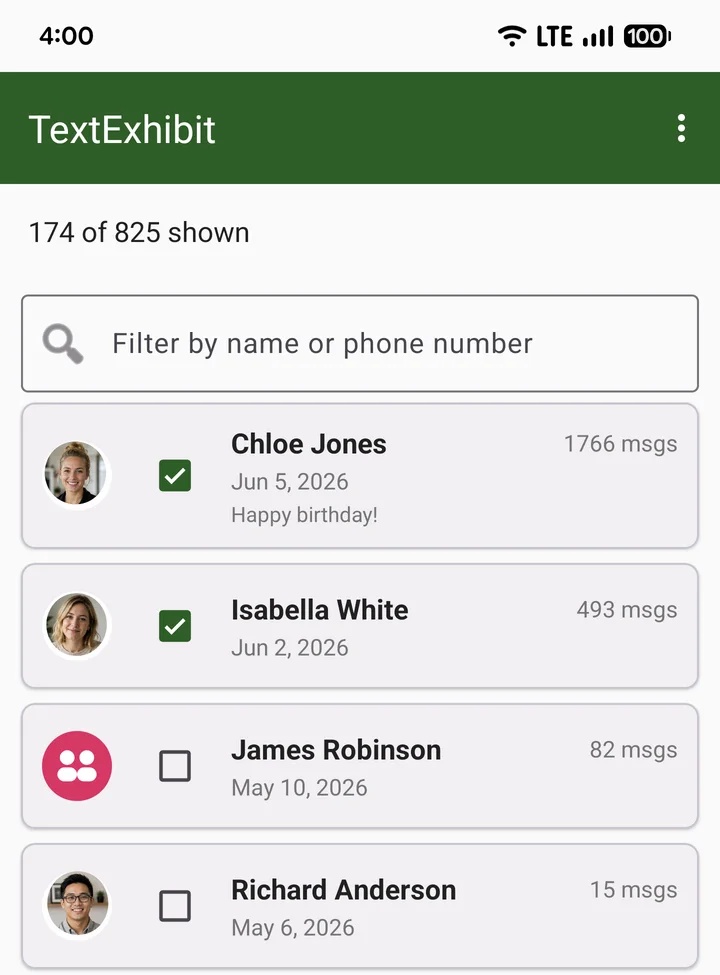
Getting a new phone?
Transfers don't always bring every old thread along. A PDF copy doesn't depend on the switch going right.
On an iPhone? This app is for Android. Save iPhone texts with TextExhibit Desktop →
Android app · Free to try
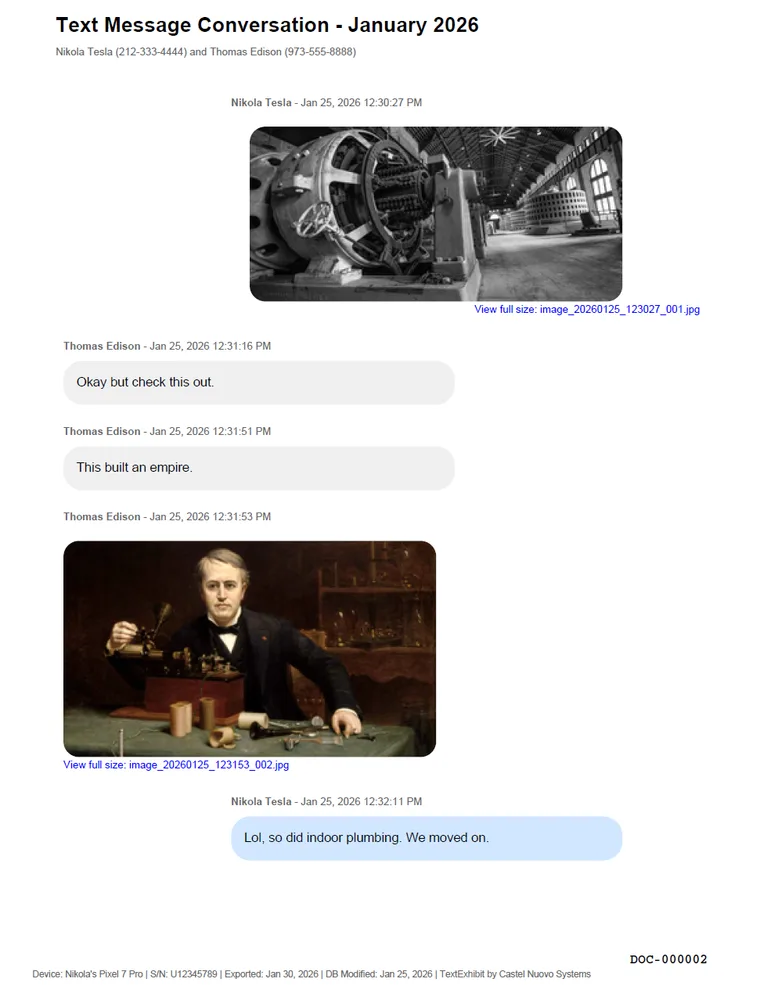
Turn whole Android conversations into searchable PDFs, with every photo, name, and timestamp. It takes minutes, runs on your phone, and nothing is uploaded.

On your computer? Scan with your Android phone to install.
Why people save their texts
Transfers don't always bring every old thread along. A PDF copy doesn't depend on the switch going right.
Save long threads and their photos as files you control, then tidy up your phone with a copy in hand.
Keep their words, dates, and photos together in one file you can reread, print, or share with family.
What you get
How it works
Choose one thread or select them all. Group chats work too.
The whole history or a date range, with or without media.
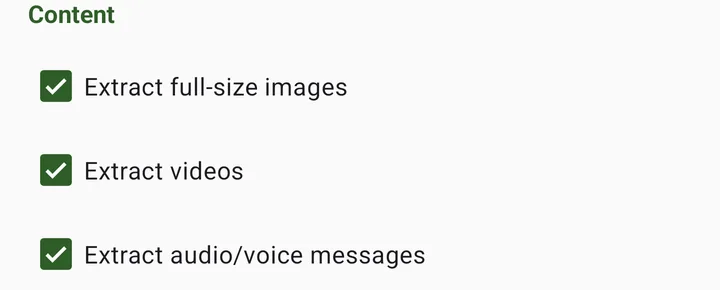
Your PDFs are created on the phone and saved to the folder you pick, including Google Drive.
The free trial makes up to three exports of your real conversations, watermarked and with some text hidden, so you know exactly what you'll get. When you're happy, a single in-app purchase unlocks unrestricted personal exports. No subscription, no account.
No. TextExhibit creates readable, searchable PDFs (plus your media files) for keeping, printing, and sharing. It doesn't restore messages into a messaging app.
No. Conversations are processed and exported on your Android device and are never uploaded to TextExhibit. You decide where the finished files go.
No. It exports conversations that are still on your phone, which is why it's worth saving them while they're there.
This app is Android only. For iPhone, use TextExhibit Desktop on Windows or Mac. The licenses are separate.
Free trial · One-time unlock · Made right on your phone
We'll open a pre-filled draft. Send it to yourself or a colleague.